
Web experience
Portfolio Website
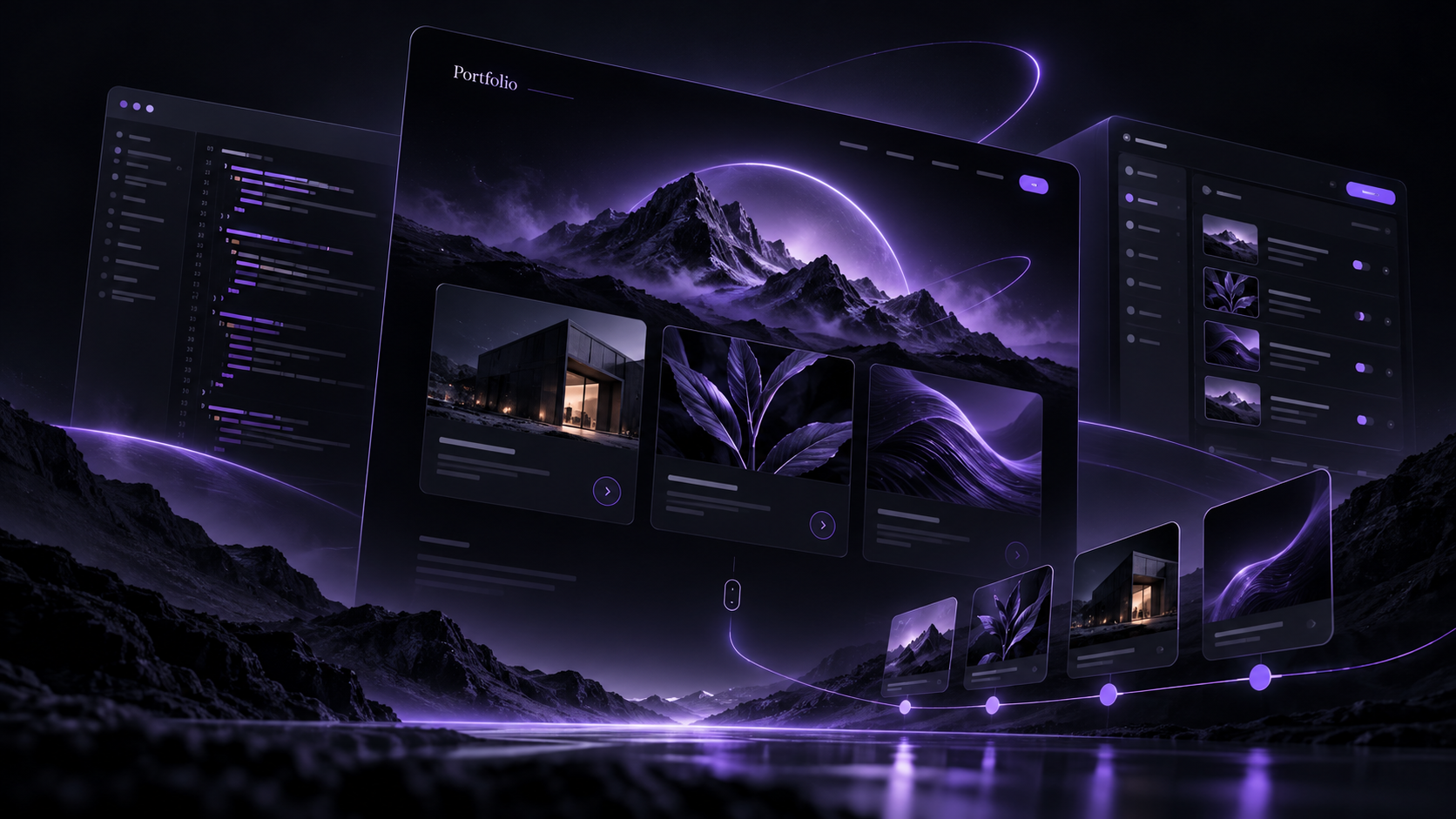
A cinematic personal portfolio with animated project storytelling, multiple visual modes, and a private content-management backend.
Interactive preview
Try a demo
Change the sample presentation. This is a small browser-only illustration, not the full application. AI responses are scripted; model and desktop features are not running here. Inputs stay on this page and reset when you reload.
Result
Ready. Change the sample and run the demo.
Explore the real workflow
Open the public portfolio and explore projects through the cinematic or alternate themes.
The full app's capabilities and requirements are described below.
What it is for
A cinematic personal portfolio with animated project storytelling, multiple visual modes, and a private content-management backend.
A portfolio should show the quality and context of the work, while remaining easy to update. This site separates editable content from the presentation so projects, experience, and credentials can evolve without hand-editing every page.
- Explore the work visually
- Move through cinematic project stories and inspect the context behind each project.
- Choose a compact view
- Use the resume-oriented presentation when you need a printable overview.
- Maintain content centrally
- Update projects and experience through the private CMS rather than editing each public view.
Get started
Open the personal portfolio and choose the cinematic or alternate view. Project details provide the context; use the resume view when a compact format is more useful.
- A modern browser to view the public portfolio.
- Admin credentials only when editing content.
- For self-hosting: the application source and its Docker/nginx configuration.
Features and workflow
- Cinematic presentation
- Scroll-driven sequences, large project imagery, and deliberate motion create a portfolio rather than a résumé grid.
- Multiple views
- Switch between the main cinematic experience, an Iron Man HUD theme, and a print-oriented résumé.
- Custom CMS
- Edit projects, experience, education, certifications, and contact links from a private admin interface.
- Structured content API
- The public pages render from the same managed content rather than duplicating values in markup.
- Responsive layouts
- Desktop and mobile presentations preserve the same hierarchy with device-appropriate spacing and motion.
- Independent deployment
- The portfolio runs in its own Docker service behind nginx and Cloudflare Tunnel.
- Open the public portfolio and explore projects through the cinematic or alternate themes.
- Use the résumé view when a compact printable format is preferable.
- Sign in to the private admin area to update structured content.
- Publish changes by rebuilding only the portfolio service.
Architecture
A static HTML, CSS, and JavaScript frontend uses GSAP for animation. A small Express CMS serves managed JSON content and a protected single-admin editing interface. Docker, nginx, and Cloudflare Tunnel provide the production boundary.
Privacy and limitations
The public experience contains portfolio content only. CMS access is protected with bcrypt-backed authentication and session cookies; administrative routes are separate from the public content API.
Status
Live at the personal apex domain. The legacy myhai.org portfolio routes remain available for compatibility while the personal domain is canonical.
- Availability
- Live website
- Content
- CMS-managed
- Views
- Three visual modes
- Hosting
- Self-hosted Docker
Questions
Where is the canonical portfolio?
The personal domain is canonical. Legacy myhai.org portfolio routes remain for compatibility.
Do visitors need to sign in?
No. Authentication is for the private content-management interface.
Can content change without redesigning every page?
Yes. The public views use structured CMS content so project and experience updates share one source.